TriAngle: A Spreadsheet template for the Generation of Trilinear (ternary) Plots

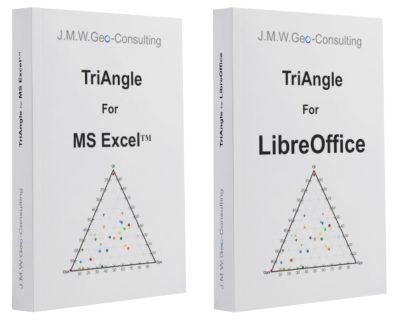
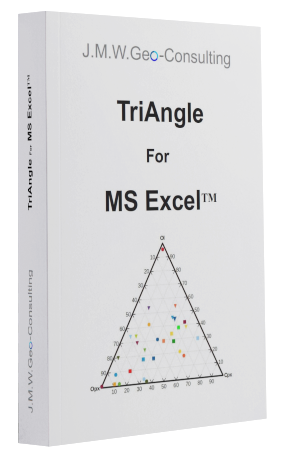
TriAngle is a Microsoft ExcelTM spreadsheet template to create triangular plots in an easy way.
Features:
- Simple to handle
- Automatic normalisation to 100% of inserted data
- No use of VBA; to adapt easily the file to other desktop and mobile spreadsheet programs which do not support VBA
- Automatic display of apexes titles
- Automatic display of a legend (can be deleted if not desired)
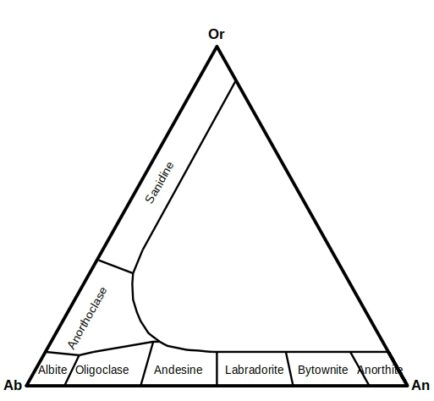
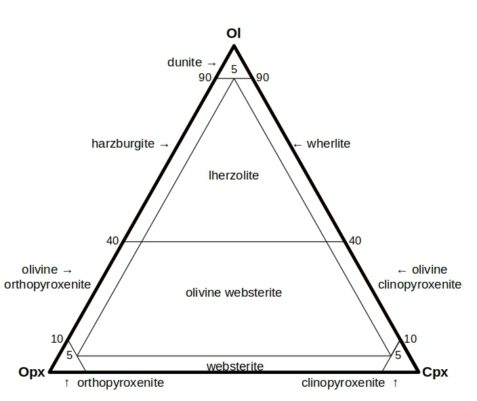
- Selection of typical masks used in the daily business of geoscientists – the user has the chance to add own masks
- High quality of the resulting chart for direct use in documents without reformatting with a drawing software
- Added data are shown immediately after insertion in the table
- Further masks and labels can be designed and inserted by the user using a pre-defined form. A manual how to do so is included in worksheet ‘Manual’
For convenience, TriAngle is a MS ExcelTM 2017 template-file showing the extension ‘.xltx’. Further, it is write-protected. In this way the file can be distinguished from usual Excel files (‘.xlsx’) and the program gives a warning and asks to rename it during the first saving procedure to protect from overwriting current files.
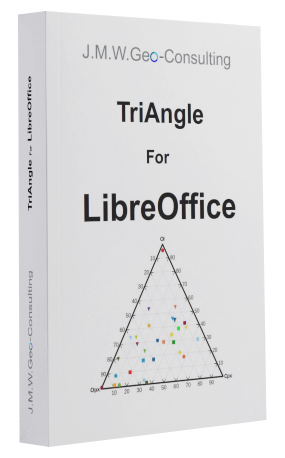
TriAngle as LibreOffice Calc -file offers the same functionality for Linux users and/or for people who simply prefer to use free software. This template offers the same masks and grids and the possibility to design own masks.
The Excel template was tested on PCs running Windows 10 and 11 with ExcelTM versions 2017 and 2013.
The LibreOffice template created and tested with LibreOffice 26.2 under Linux Mint 21.3 64-Bit and tested with Collabora Online 25.04.8.3
In case you have no time or problems to create your own masks, just send us a figure of the mask and – if possible – the citation of the original article. We can make you a quote for the desired template.
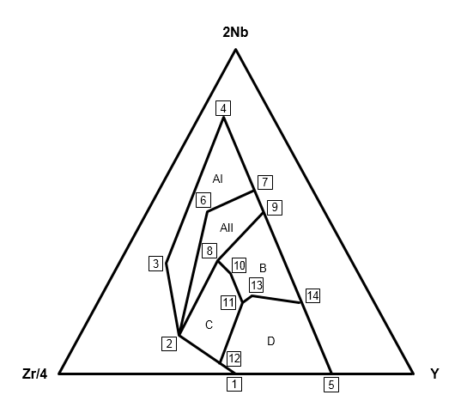
Some example masks:
Excel version:
In case of using the template in publications or other texts, please cite the following article:
Warnsloh, J.M. (2015) TriAngle: A Microsoft Excel™ spreadsheet template for the generation of triangular plots. N. Jahrb. Miner./J. Min. Geochem., 192, 1, 101-105. DOI: 10.1127/0077-7757/2014/0267
LibreOffice version:
In case of using the template in publications or other texts, please cite the following article:
Warnsloh, J.M. (2015) TriAngle: A Microsoft Excel™ spreadsheet template for the generation of triangular plots. N. Jahrb. Miner./J. Min. Geochem., 192, 1, 101-105. DOI: 10.1127/0077-7757/2014/0267
Older versions:
TriAngle 1.2 Excel.xltx (380 KB, Aug. 24, 2014)
TriAngle 1.2 LibreOffice.ots (315 KB, Dec. 05, 2014)
Do you like the templates? How about buying me a drink? I would really appreciate it!
This gesture (small donation) makes me feel valued for my work and motivates me even more to keep the templates up to date and expand them!
It is easy to do:

Helio!!! Not an expert on Excel spreadsheets but do have a question. Would like add additional series beyond Series 10 in the Piper Plot example. It seems to be an extremely complex process. Can you refer me to any examples where additional series have been added with at least some minimal explanation of the process to incorporate the additional data points and get them to plot accurately?
Hello Mark,
thank you for your comment, and apologies for the late reply. To answer your question, I’ve created a post, explaining how to add additional series (beyond Series 10).
Thank you for the information, I really appreciate it!!